

AI image tools can reduce the time required to explore and produce visual material for a website. They can generate compositions, extend backgrounds, remove unwanted objects and create campaign variations. The result becomes valuable, however, only when it follows a clear art direction and survives normal production checks.

Where AI helps most
Early visual exploration
Before investing in a final shoot or illustration, a team can compare lighting, framing, colour and atmosphere. These explorations help stakeholders discuss a visible direction instead of interpreting abstract adjectives differently.
Hero and campaign compositions
AI is effective at creating a strong starting scene around a product, material or concept. The useful output is rarely the first generation. It becomes a source that is selected, corrected and integrated into the design system.
Background extension and format adaptation
A single composition may need desktop, mobile, social and advertising formats. Generative extension can create additional space for typography, although important objects and brand details still need manual review.
Removing production obstacles
Small unwanted elements, incomplete backgrounds and minor surface problems can be repaired quickly. This is particularly useful when the original photography is strong but not prepared for the intended layout.
A reliable workflow
1. Start with the website goal
The visual should support the message and action of the section. Generating an impressive image before understanding the layout often produces a composition with no room for the heading or interface.
2. Define the art direction
Specify colour, lighting, camera position, materials, mood and what must remain consistent with the brand. References help, but they should guide a new composition rather than encourage copying another company’s identity.
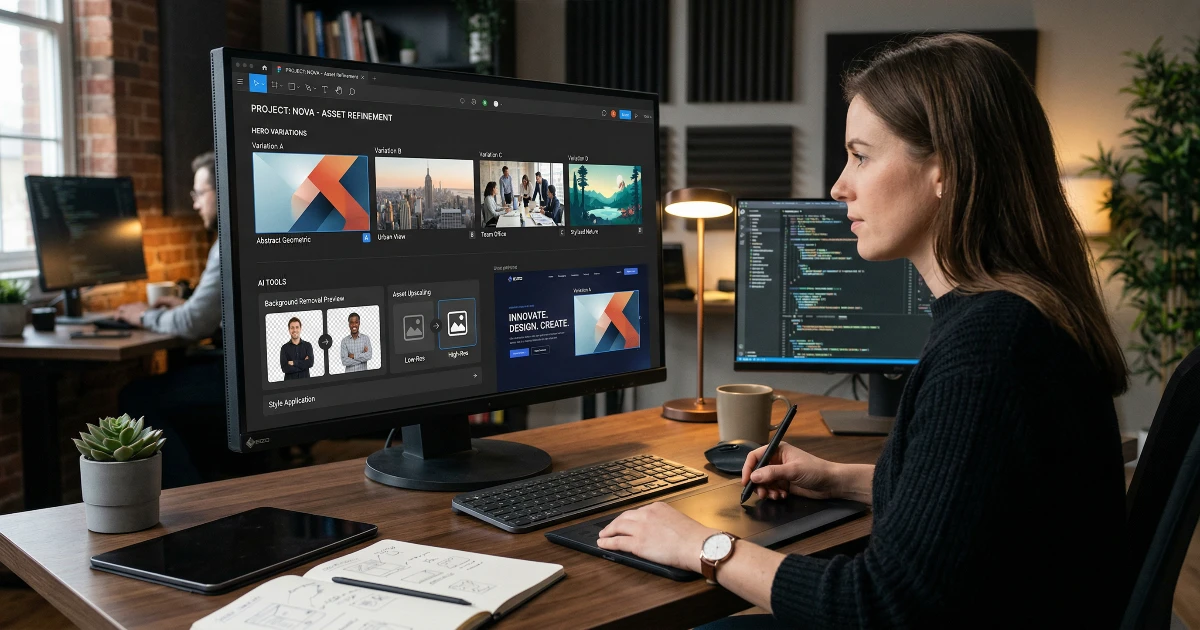
3. Generate alternatives
Explore meaningful variations instead of repeatedly requesting tiny random changes. Compare silhouette, focal point and usable negative space before spending time on detail.
4. Refine manually
Retouch anatomy, text-like artefacts, reflections, logos, product geometry and edge quality. Brand assets should be composited from their approved originals, not trusted to a generative model.
5. Prepare web formats
Crop intentionally for each breakpoint, export modern formats, set useful dimensions and avoid sending a multi-megabyte source to every phone. The image still needs an appropriate alt description and stable layout dimensions.
Where AI should not make the decision
AI cannot decide the brand strategy, information hierarchy or whether the visual communicates the right promise. It also should not recreate a logo when approved source files exist. Legal rights, recognisable people and product accuracy need human responsibility.
Consistency is the hard part
One impressive image is easy; a coherent set across ten pages is harder. Reuse a controlled palette, lighting language, camera logic and finishing process. Otherwise every section looks as if it came from a different campaign.
Performance still matters
High-resolution generation encourages oversized files. Export according to the actual rendered size, use responsive sources and keep important text in HTML rather than baking it into an image. A beautiful visual that delays the main heading weakens the experience it was meant to improve.
The practical conclusion
AI works best as an accelerator inside a professional workflow. It makes exploration and production faster, while art direction, brand fidelity, retouching and web optimisation remain deliberate human work.
Our branding service combines visual direction with practical website applications rather than delivering isolated generated images.